Self-Service Kiosk POS Systems: A Complete Guide for Businesses
Today's shoppers demand speed, convenience, and control during their purchases. Long lines and slow checkouts frustrate customers and drive them away from otherwise good stores. Business owners constantly seek ways to reduce wait times without increasing staff. Fortunately, modern technology offers a powerful solution to this persistent challenge.
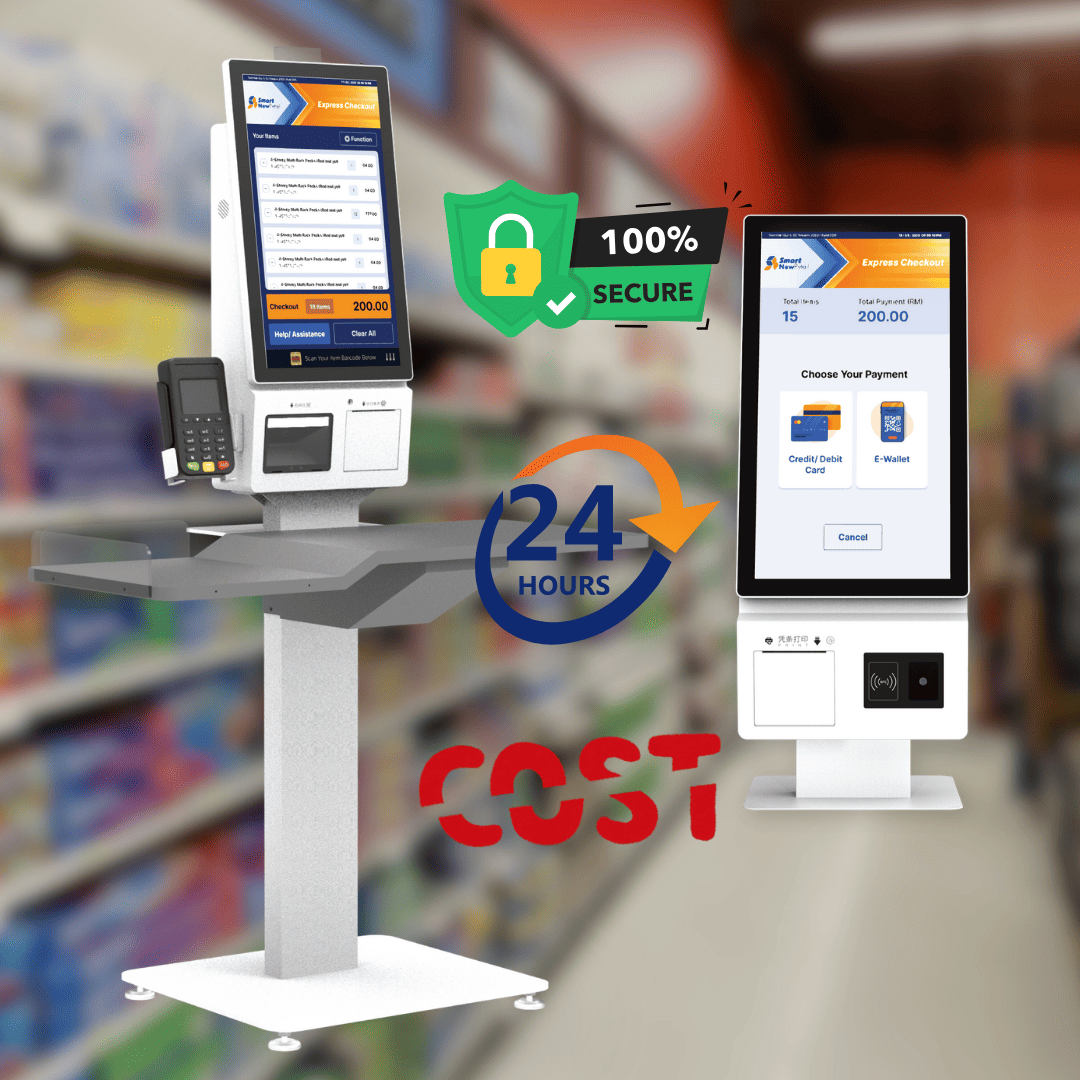
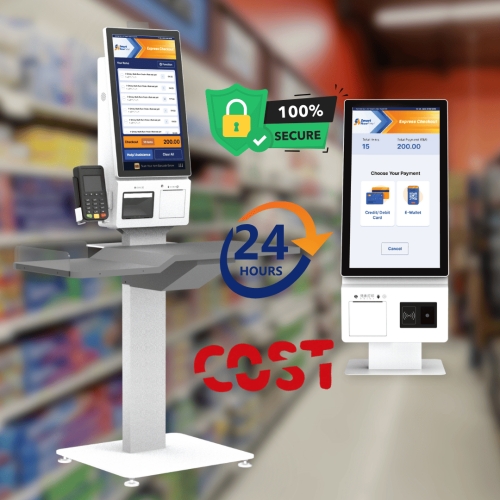
Modern Self Service kiosk Pos Systems let customers finish their own buys without help from a cashier. These standalone units put touchscreen ordering and safe payment together in one small space. Shoppers can look at menus, pick items, pay, and get receipts all at one spot. This guide shows how these systems work and why they are transforming retail and food service operations.
What Are Self-Service Kiosk POS Systems?
These smart terminals let customers place orders and handle payments by themselves. The tech replaces old cashier talk with an easy-to-use digital experience. Shoppers simply tap, swipe, or insert payment cards to finish their purchases. The system links wirelessly to kitchen screens, stock databases, and reporting tools.
Why Self-Service Kiosk POS Systems Are Growing Fast
Several things push the widespread use of these automatic tools across many fields. Knowing these forces helps shops see the value of buying now. Worker shortages and changing buyer habits make kiosks more and more appealing.
1. Worker Market Pressures
Finding and keeping good staff gets harder each year in many fields. Minimum wage hikes and worker shortages squeeze profits for old service models. Kiosks let the same number of workers serve more customers at the same time. Staff can focus on food prep, customer help, and quality checks instead of taking orders.
- Staff leaving costs drop when workers do fewer repetitive cashier tasks.
- One worker can watch four to six kiosks during slow times with ease.
- Busy hour staffing gets simpler when kiosks handle regular order taking.
This shift makes jobs better while cutting pay costs. The tech pays for itself through worker savings over time.
2. What Buyers Expect
Today's shoppers grew up with smartphones and fast online buys. They feel at ease tapping screens and like doing things themselves. Waiting in lines feels like a waste of their precious time. Kiosks give buyers control over their order speed without pressure from lines behind them.
- Younger buyers look for shops that offer self-service order options.
- Kiosks show nutrition facts and ingredient lists for health-aware shoppers.
- Regular customers finish known orders in under thirty seconds using saved choices.
People can look through menu options well and change items without feeling rushed. This freedom boosts happiness and brings back repeat visits.
Key Features of Modern Self-Service Kiosk POS Systems
New kiosk software has strong tools that make work smooth and improve user experience. These features separate good terminals from truly helpful business tools.
- Touchscreen Display: The screen is how customers talk with the system. Quick screens sense taps right away without delays or missed presses.
- Built-in Payment Tools: Card readers accept all major credit and debit cards, including tap methods. Buyers tap phones or cards for one-second sales.
- Stock & Order Control: Every buy takes ingredients from digital stock counts as it happens. The system warns managers when supplies drop below set levels.
- Easy-to-Change Screens: Shop owners can change menu layouts, prices, and deals through a manager panel. Seasonal items show or hide based on calendar dates.
- Cloud-Based Reports: Sales data flows to safe cloud servers where managers can see it from anywhere. Live screens show revenue and busy hours at a glance.
Benefits of Using Self-Service Kiosk POS Systems
Putting in these terminals gives real pluses that hit the bottom line right away. Smart shop owners see these results as good reasons to upgrade.
- More Income: Kiosks show high-profit items in key spots and suggest add-ons during checkout. Picture menus push buyers to add extras they might skip.
- Fewer Slip-Ups: Buyers type their own orders, stopping misheard items or wrong changes. The kiosk shows running totals so shoppers can check accuracy before paying.
- Better Order Changes: Buyers can change items a lot without feeling bad about holding up a line. The kiosk shows each change clearly, showing price shifts for adds or swaps.
- Better Add-On Chances: The kiosk prompts buyers with related extras based on their current picks. A burger order sparks ideas for fries or onion rings before checkout.
Industries That Gain Most from Kiosk POS Systems
Some shop types see especially strong returns on their kiosk spending. These fields share traits that make automation very useful. The list below shows how different sectors benefit from self-service kiosks.
- Retail: Shoppers can scan items, pay quickly, and check prices without waiting for a cashier. This cuts long queues and gives buyers more control over their visit.
- Hospitality: Hotel guests can handle their own arrival and departure tasks at a screen. They book rooms, settle bills, and request extras without front desk help.
- Restaurants: Diners tap their own orders into a screen, choosing exactly what they want. This reduces kitchen mistakes and moves the line faster during busy hours.
- Healthcare: Patients sign in for appointments and update personal details at a kiosk. This frees nurses from paperwork and cuts waiting room crowding.
- Transportation: Travellers print tickets, get boarding passes, and check luggage at self-service stations. This speeds up busy terminals and reduces staff workload.
- Banking: Customers deposit cash, check balances, and transfer money without queuing for a teller. These machines offer 24-hour service outside normal banking hours.
- Smart Cities: Residents pay utility bills, find directions, and report local issues at public screens. These kiosks put city services right where people need them most.
Each industry finds unique ways to benefit from the same basic kiosk technology.
Self-Service Kiosk POS Systems vs Old POS
Comparing these two ways shows clear gaps in customer experience and work speed. Each serves different shop needs and buyer likes. Knowing these gaps guides spending choices for any shop owner.
| Comparison Area | Self-Service Kiosk POS | Old POS |
| Sale speed | 45 seconds on average | 2 minutes on average |
| Buyers per lane | Many buyers at once | One buyer at a time |
| Staff per station | One worker watches 4-6 kiosks | One worker per checkout lane |
| Busy hour staffing | Focus on food prep and help | Focus on order taking |
| Order rightness | Buyers type their own orders | Cashiers may hear wrong |
| Buyer speed | Buyer sets their own pace | Cashier sets the pace |
| Privacy | Quiet ordering for personal items | Must say order out loud |
| Add-on sales | Auto prompts based on picks | Depends on the cashier's memory |
| Payment choices | Tap, insert, phone, gift cards | Usually a card or cash |
Workers feel more engaged when their roles involve solving problems rather than repeat ringing. Staff leaving often drops after the kiosk setup. Better job joy helps both workers and owners.
How Self-Service Kiosks Make Customer Experience Better
The tech boosts several parts of the buying trip that matter to today's shoppers. These gains build loyalty and push good word-of-mouth. Happy buyers become repeat buyers on their own.
1. Order Accuracy
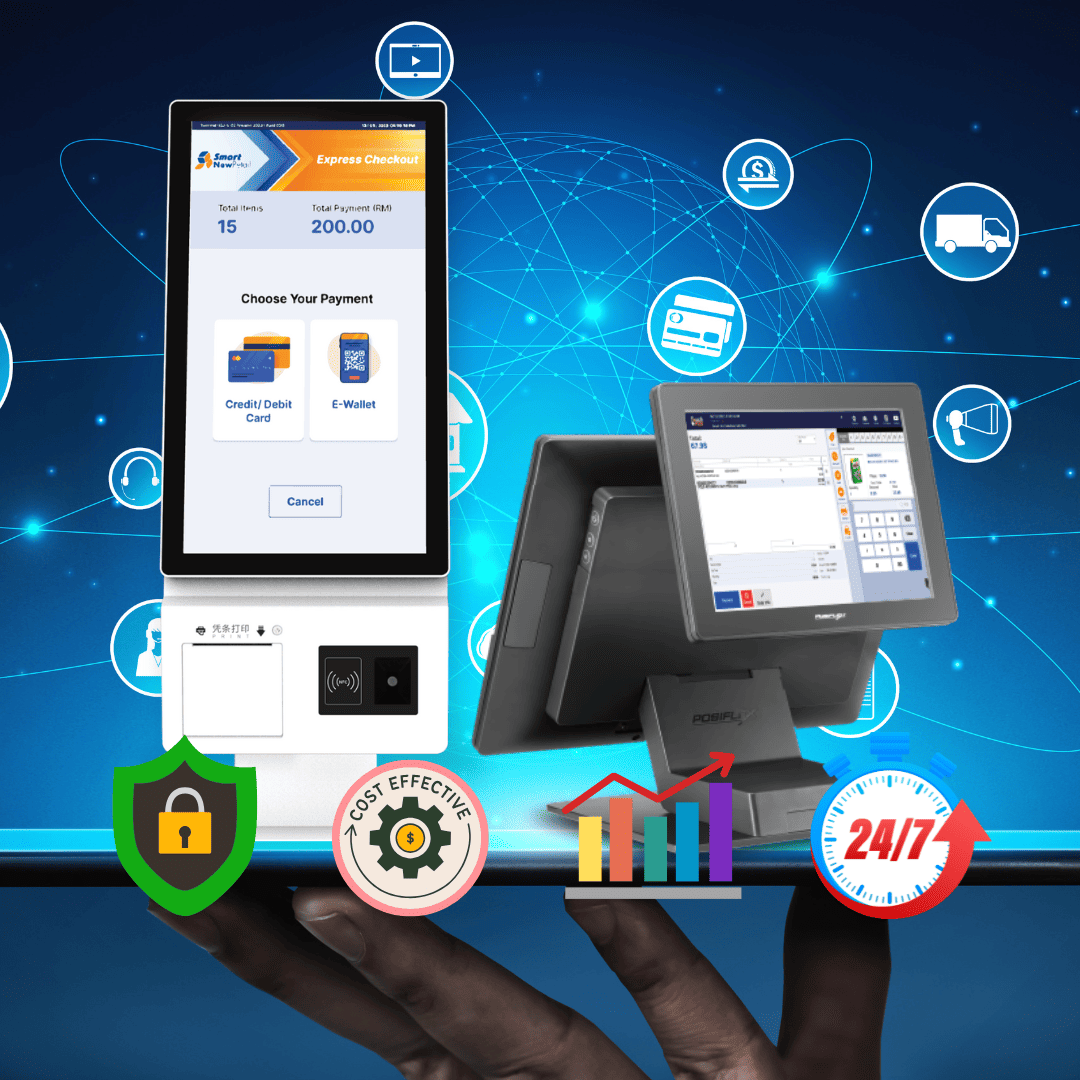
Buyers feel sure when they type their own picks and see the running total. They catch mistakes right away rather than finding errors after leaving the store. This accuracy builds trust and cuts down on upset with the brand. Kitchen staff like getting clear notes without messy writing.
2. Privacy
Some shoppers prefer not to say their buys out loud to nearby strangers. Kiosks allow quiet ordering for personal items or secret treats. This privacy pulls in buyers who might skip the shop otherwise. Drug stores gain a lot from this feature when buyers pick up private medicines.
Hurdles of Self-Service Kiosk POS Systems
Putting in this tech brings hurdles that need careful planning and control. Knowing these hurdles helps shops get ready with good answers.
1. Tech Problems
Like any electronic device, kiosks can have hardware breaks or software bugs. Network outages may stop payment or order sending. Shops need backup plans for when tech stops working. Regular care and fast tech support cut down on stop time risks.
2. Buyer Adaptation
Some people, mostly older adults, feel odd using new tech. These buyers may need help or like old cashier service. Shops should keep at least one staffed register next to kiosks. Clear steps and easy screens help all users do well.
How to Pick the Right Self-Service Kiosk POS System
Picking the right gear needs checking several key points with care. These thoughts make sure the spending gives the hoped returns.
1. Check Your Volume
Guess how many sales your shop handles during busy hours and normal days. Higher amounts justify more kiosks and stronger hardware setups. Low-volume shops might start with one or two basic units. Think about future growth when making buying choices.
- Sales count per hour tells how many kiosks you need to kill lines.
- Busy hour length matters because short rushes may not need many kiosks.
- Season shifts affect volume, so plan for the busiest times, not just averages.
Add-on systems allow adding more kiosks as the shop grows. Part designs stop replacing whole setups when needs change. Right-sizing stops both under-spend and over-spend.
2. Check Joining Needs
Your kiosk software must talk with the current sales, stock, and money tools. Systems that do not join create data silos and manual work that wastes time. Ask for joining demos from possible sellers before saying yes. Cloud-based platforms often give the widest range of joining choices.
- API paper quality shows how easy custom joins will work.
- Live sync speed affects stock accuracy across many order channels.
- Old system fit matters if you plan to keep the current hardware.
Open APIs allow custom links to special or odd shop systems. Fit now stops costly swaps later. Joining power decides long-term use.
Why Choose Our Self-Service Kiosk POS System
Smart-ACC delivers reliable, feature-rich kiosk solutions tailored to diverse business needs. Our systems integrate seamlessly with existing operations while providing powerful analytics tools.
The hardware stands up to heavy daily use in busy retail and food service environments. Responsive touchscreens register inputs accurately even when used by thousands of customers. Payment readers accept all modern card types, including contactless and mobile wallets.
Software updates deploy automatically without interrupting your business operations. Our support team responds quickly to technical questions or service issues. Businesses trust Smart-ACC for durable equipment and dependable performance.
Future Trends in Self-Service Kiosk POS Systems
The tech keeps growing with new powers that spread possible uses. Smart shop owners should watch these changes closely.
1. AI Joining
AI will let kiosks make personal tips based on past buys. The system might suggest a buyer's usual order or items they often buy together. This smartness raises average ticket sizes while making the user experience better. Voice commands may add to or replace touchscreen typing for easy use.
2. Biometric Payment
Fingerprint or face ID will let buyers pay without cards or phones. The system links body marks to saved payment methods with safety. This smooth experience speeds sales to a near-instant end. Privacy worries will need fixing before wide-body part use begins.
Conclusion
Self-service kiosks change how shops handle customer sales in big ways. These systems boost income through add-ons while cutting worker costs and order slip-ups. Buyers like the speed, privacy, and control that kiosks give during checkout. Smart shop owners see that this tech pays for itself through many speed gains. The first spend gives returns through lower work costs and higher sales amounts.
For shops ready to move up their checkout time, Smart-ACC gives trusted self-service kiosk pos systems made for real-world needs. Our team helps pick, set up, and support the right answer for your specific work. Visit Smart-Acc to see how kiosk tech can change your customer time.